

Live translation in Zoom, Teams and Google Meet
You speak in your language and the others hear you in theirs, in a natural male or female voice. They speak in theirs, and you hear and read them in yours. No interpreter in the meeting.
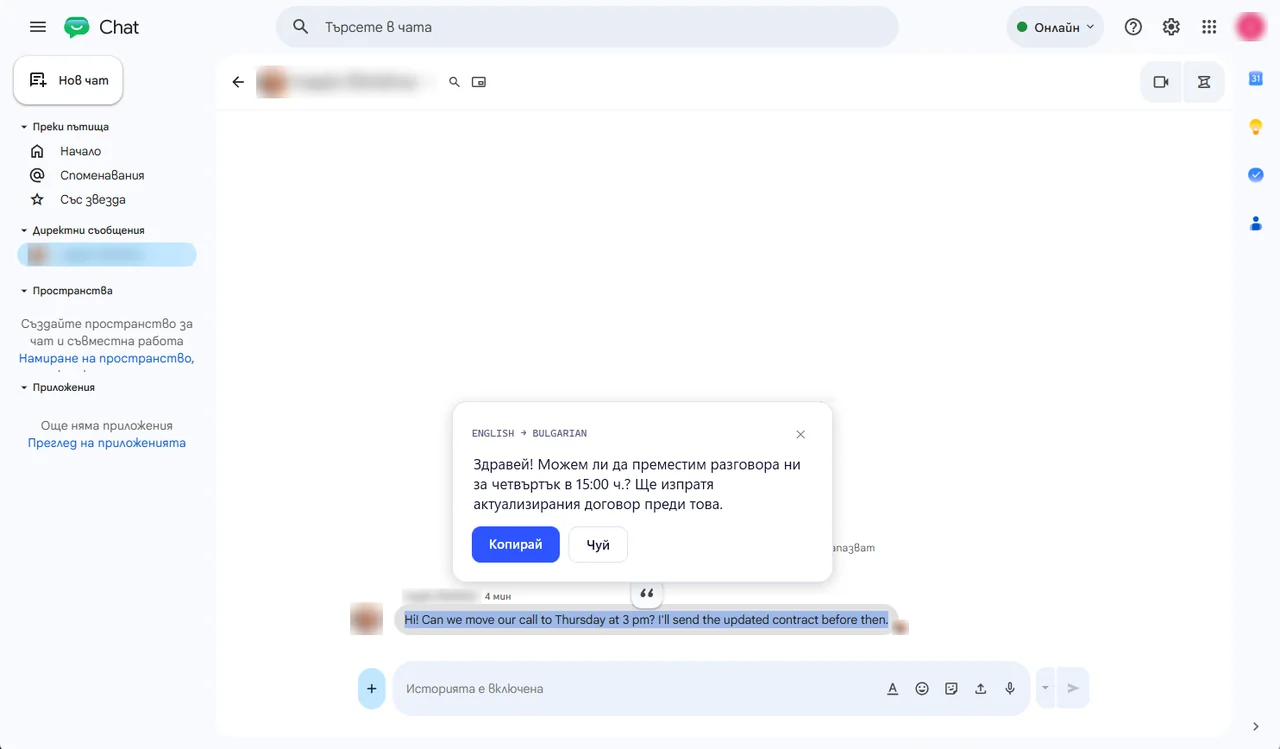
How it works
Questions people ask
Which programs does it work in?
In Zoom, Microsoft Teams, Google Meet, WhatsApp and Viber for desktop, and in any program where you can choose a microphone.
How much does it cost?
Talk is in Lingbolt Pro: €6.99 a month, with 30 minutes of Talk a month. Need more? There are credits from €9.99, no subscription. The first 7 days are Pro as a gift, with 20 minutes of Talk, no card needed.
Should I tell the others?
Yes. The voice they hear is made by AI, and it is fair that they know you use a translator.
Is the conversation recorded?
No. The sound goes encrypted through our server in the EU only to be translated, and it is neither kept nor logged. If you want minutes of the meeting, Record + summary is a separate button.